Free first chapter
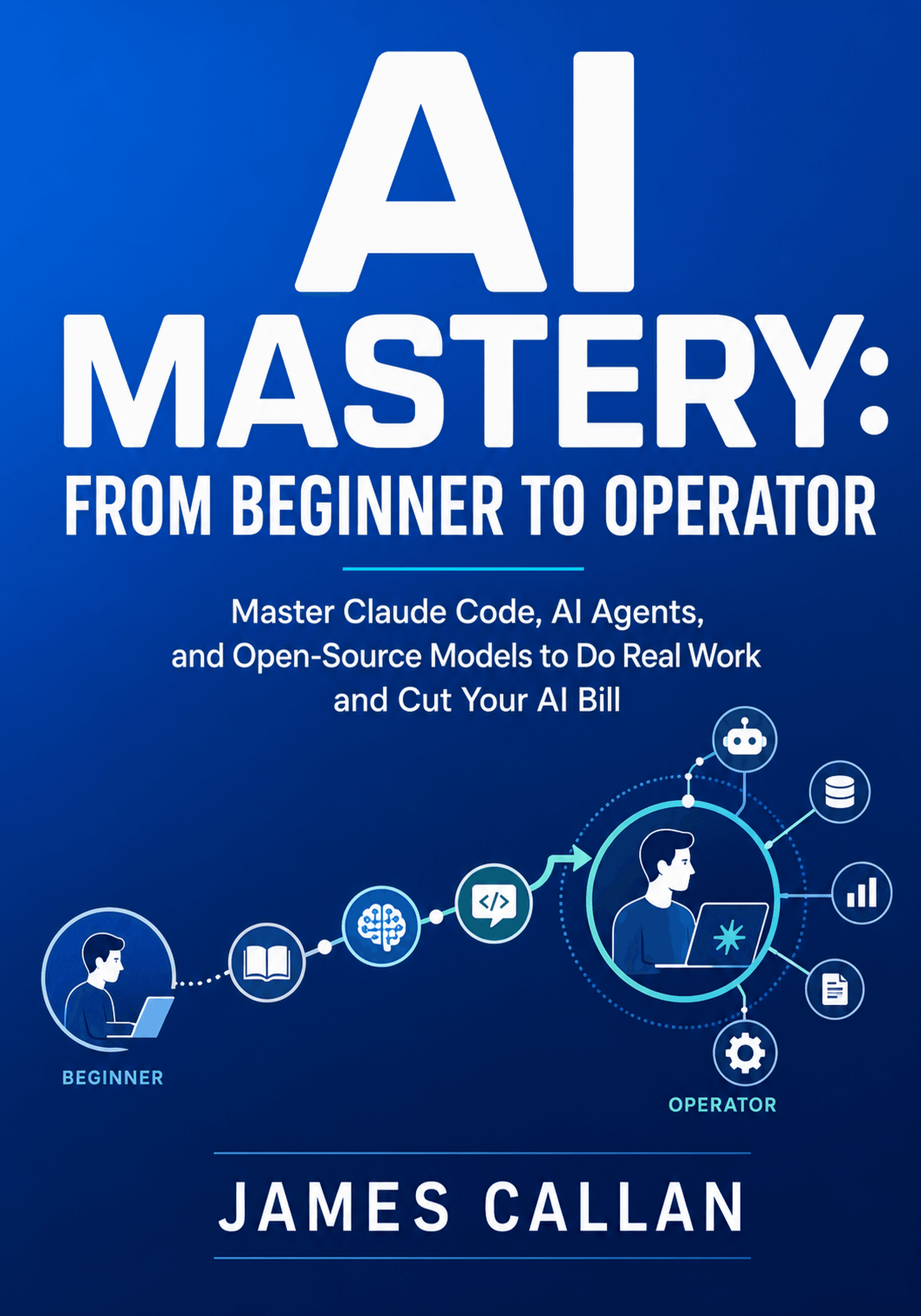
AI Mastery: From Beginner to Operator
Master Claude Code, AI Agents, and Open-Source Models to Do Real Work and Cut Your AI Bill
Read the first chapter in your browser. It's free, with no account and no email needed.
Free to read. No account required.
About this book
You may already use an AI chat account, but there is a long way between asking questions and operating AI like a professional. This book takes you from the first step to running agents, building apps and setting up AI that keeps working in the background, without needing to be a developer or write the code by hand. Your job is to describe, drive and supervise.
AI Mastery begins with the AI landscape and prompting that works, then builds fluency with Claude chat, Claude Code, Cowork and agent skills. You explore AI image, video and voice tools, and learn to produce documents, spreadsheets and slides. You connect AI to your own knowledge with embeddings, vector databases and connectors, and learn how to trust the output.
Look inside
Welcome
How to Use This Book
This book takes you from barely using an AI account to operating AI like a professional — for your own work and, if you want, for a business. You do not need to be a developer. You do not need any maths or machine-learning background. You need to be willing to try things as you read.
Here is the promise this book makes. You will run agents, ship apps, and deploy AI that keeps working while you sleep — and you will not write the code by hand. The AI writes the code; your job is to describe what you want, drive the tools that build it, and supervise what comes back. That is the spine of everything here: supervision, not syntax. We start small — one chat, one command — and climb from there. You do not need to be a programmer, and you do not need to be a genius.
Work through the chapters in order on your first pass. The book is built as a ladder. The early parts get you fluent in the everyday tools; the middle parts teach you to create, to make AI work with your own information, to automate real work, and to build things; the later parts cover what it all costs, how to pay far less, and how to stay safe. Each part stands on the one before it.
If you already use AI daily and want the operator material fast, you can enter at Part 4 (making AI work with your own data) or Part 5 (automating and building), and treat the earlier parts as a reference to fill gaps.
Environment Setup
For the first two parts you need only a web browser and an account with a current AI assistant. From Part 2 onward, some chapters ask you to use a terminal on your own computer; the book teaches the terminal from zero, so no prior experience is assumed. A few later chapters use a code editor or an account with a cloud service, and each chapter states exactly what it needs before you start.
A note on time. This book covers tools that change every few months. Where a tool, model name, version, or price appears, treat it as current at the time of writing and verify the specifics against the official source before you rely on them. Chapter 23 teaches a method for keeping your own knowledge current as the tools move.
Reading Strategy
Do the work as you read. Every chapter ends with practice at three levels — Core, Stretch, and Challenge — and the book's final deliverable is a working "AI operating system" you assemble from the artifacts you build along the way. Reading about AI is not the same as operating it. Type the prompts, run the tools, and keep what works.
The 2026 AI Landscape
You decide this is the year you finally use AI properly. You open a browser, and the trouble starts. One friend swears by ChatGPT. A colleague insists Claude is better. A video tells you the real money is in something called agents. A newsletter mentions running models on your own laptop, another mentions cheap models from China, and a third is about an app that books your appointments while you sleep. Every link leads to five more tools. After an hour you have eleven tabs open, three new accounts, and no idea where to start.
That feeling — not the lack of tools, but the flood of them — is the real beginner problem in 2026. This chapter does not add another tool to the pile. It hands you a map.
- Tell a model apart from an app, and a chat interface apart from an agent
- Place any AI tool on a simple map: frontier, open, or on-device; fast or reasoning
- Match a real task to the right category of tool, and decide when a reasoning model earns its extra cost
- Explain why the landscape changes every month, and stay oriented without chasing every release
Why This Matters
Most people who feel lost with AI are not missing a tool. They are missing a frame. They judge each new product on its own, with no way to see how it relates to the others, so every announcement feels equally urgent and equally confusing.
A frame fixes that. Once you can see that the dozens of products fall into a small number of categories, the noise drops sharply. You stop asking "which of these hundred tools should I learn?" and start asking "what kind of job is this, and which category handles it?" That is a question you can actually answer.
This chapter builds that frame. It will not teach you to use any single tool — that starts in the next chapter. It will teach you to read the whole field, so that everything you learn afterward has a place to sit. Spend the time here, and the rest of the book will feel less like memorizing tools and more like filling in a map you already understand.
A Model Is Not an App
The first source of confusion is that people use one word, "AI," for two very different things. Pulling them apart is the single most useful move you can make early on.
The engine and the car
A model is the trained system that actually produces the output. It is the engine. Names like Claude, GPT, and Gemini refer to families of models.
An app is the product built around a model so that you can use it. It is the car. The ChatGPT website, the Claude desktop application, and a writing tool with an "improve this" button are all apps. Underneath, each one is driving a model.
The distinction matters because the same engine can sit inside many cars, and the car shapes your experience as much as the engine does. Two apps running the same model can feel completely different — one gives you a blank chat box, another gives you buttons, files, and memory. When someone says "this AI is bad at X," ask whether the limit is the engine or the car. Often a different app, running the very same model, does the job well.
A concrete case makes this vivid. The same model might sit behind a bare chat box on one website and behind a polished writing tool on another. In the chat box you type everything from scratch each time. In the writing tool you highlight a sentence and press "make this clearer," drop in a document for it to work from, and it keeps a memory of your style. Same engine, very different cars — and the second one feels far more capable, even though the underlying model is identical. When you judge an AI experience, you are judging the engine and the car together, so it is worth knowing which one is actually letting you down.
Words or work: chat versus agent
The second distinction is about what the tool does with your request.
A chat interface answers. You type a turn, it replies with text, an image, or a file, and then it waits for you. It is a conversation. Most people's entire experience of AI so far has been chat: ask a question, read the answer, ask the next one.
An agent acts. Instead of handing back words for you to use, it works toward a goal across several steps — it plans, it uses tools, it changes files, it reacts to what it finds, and it keeps going until the task is done or it needs your permission to continue. An agent that is asked to "tidy this folder of receipts" does not describe how you might tidy it. It renames the files.
Quotes to share
Your job is to describe, drive and supervise.
Free to read. No account required.